
Selection Translate
Translate any selected text inline. On-device first, opt-in cloud, no account.
See It in Action
Just installed?
Pin Selection Translate for one-click access
New extensions are hidden by default. Pin Selection Translate to your toolbar so you can reach it without digging through menus.
 Selection Transla…
- 1Click the extensions(puzzle piece) icon in your browser's toolbar.
- 2Find Selection Translate in the dropdown and click the pin icon next to it.
- 3Done. The Selection Translate icon now lives in your toolbar — one click away.
Have more questions? See the FAQ.
What Selection Translate Does
Built with precision to solve real problems without adding complexity.
Inline Translation
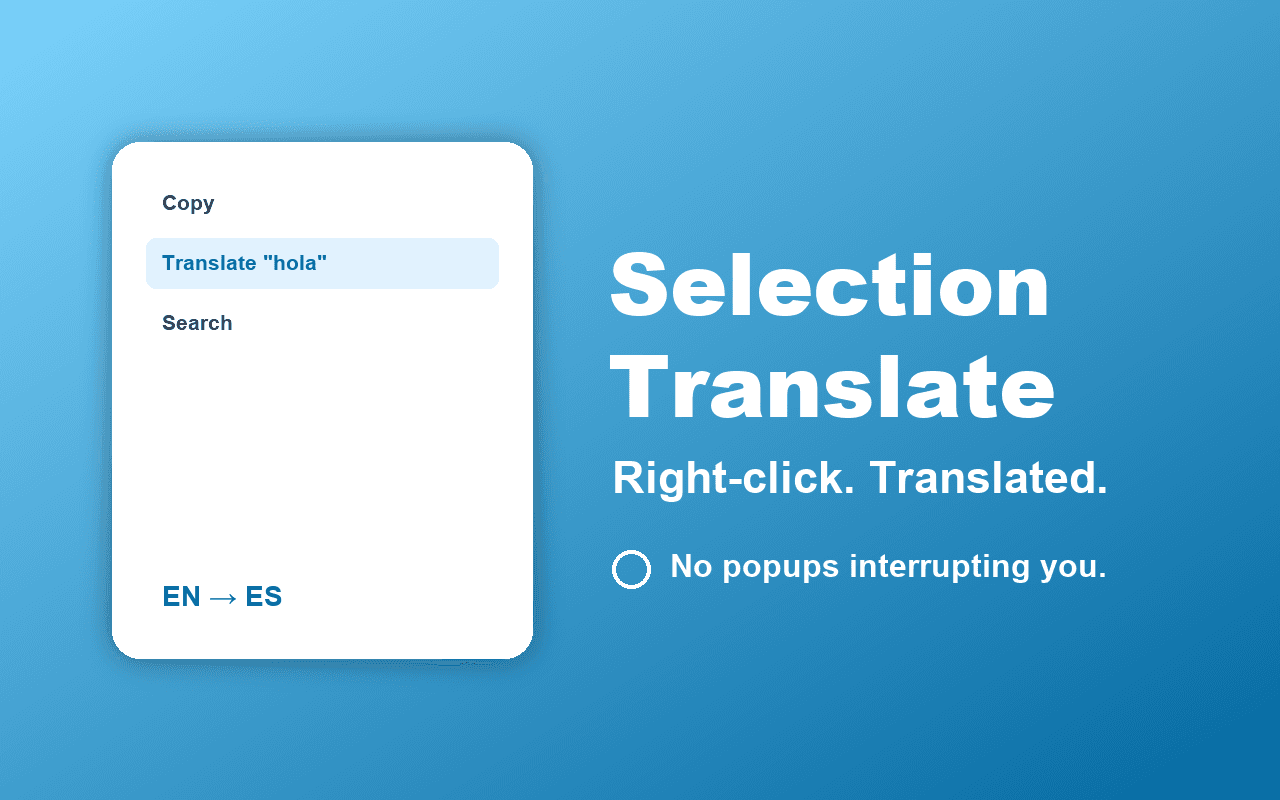
Right-click your selection. The translation appears in a small popover next to the text.
On-Device on Chrome 138+
Uses Chrome's built-in Translator and LanguageDetector APIs. No network call.
20 Target Languages
Pick once from the popup dropdown. English, Spanish, French, German, Japanese, Chinese, Arabic, and more.
Auto-Detect Source
The extension detects the source language on-device. No manual picking.
Graceful Fallback
On browsers without the built-in API, opens translate.google.com in a new tab with your selection pre-filled.
No Account, No Tracking
Your target language is the only thing saved, locally. No analytics, no telemetry.
Perfect For
Selection Translate is designed for anyone who wants a better browsing experience. Here are just a few ways people use it.
Translate a phrase on a foreign-language site without leaving the page
Read academic papers and articles in other languages
Translate product descriptions on overseas shopping sites
Look up unfamiliar words while reading travel blogs
Language learners who want a fast lookup without a heavyweight bubble
How It Works
Install the Extension
Add Selection Translate to your browser from the Chrome Web Store, Firefox Add-ons, Microsoft Edge Add-ons, or Safari Extensions Gallery. The installation takes seconds and requires no technical knowledge.
Configure Your Settings
Click the extension icon in your browser toolbar to access the settings. Adjust the options to match your preferences. Most users find the defaults work perfectly.
Enjoy the Benefits
That is it. The extension runs quietly in the background, doing exactly what you installed it for. No complicated workflows, no learning curve.
Frequently Asked Questions
Common questions about Selection Translate. Have a question that is not answered here? Contact us and we will help.
Selection Translate Pro
Unlimited cloud AI translation. No daily cap.
Free tier: 5,000 characters of cloud AI translation per day, free forever. On-device translation (Chrome 138+) and Google Translate fallback are also free and unlimited.
What you get with Pro
- Unlimited cloud AI translations
- Higher per-request character limit
- Priority queue on the AI proxy
- Optional upgrade to GPT-4o or Claude for harder languages
- Email support
Pro is coming. Reply to the waitlist email when you want early access.
Extension Size
~38 KB
Lightweight and fast. No bloat, no unnecessary files.
Permissions
contextMenusstorageactiveTabscriptingMinimal permissions required for functionality. No broad host access.
Works With Your Browser
Selection Translate is built using the WebExtensions API, which means it works seamlessly across all major browsers. Use it on Chrome at work, Firefox at home, or Safari on your Mac. The experience is identical.
You Might Also Like
Explore related extensions that complement Selection Translate.


Try Selection Translate
Free, no sign-up. Install in one click on your browser of choice.