
Color Picker
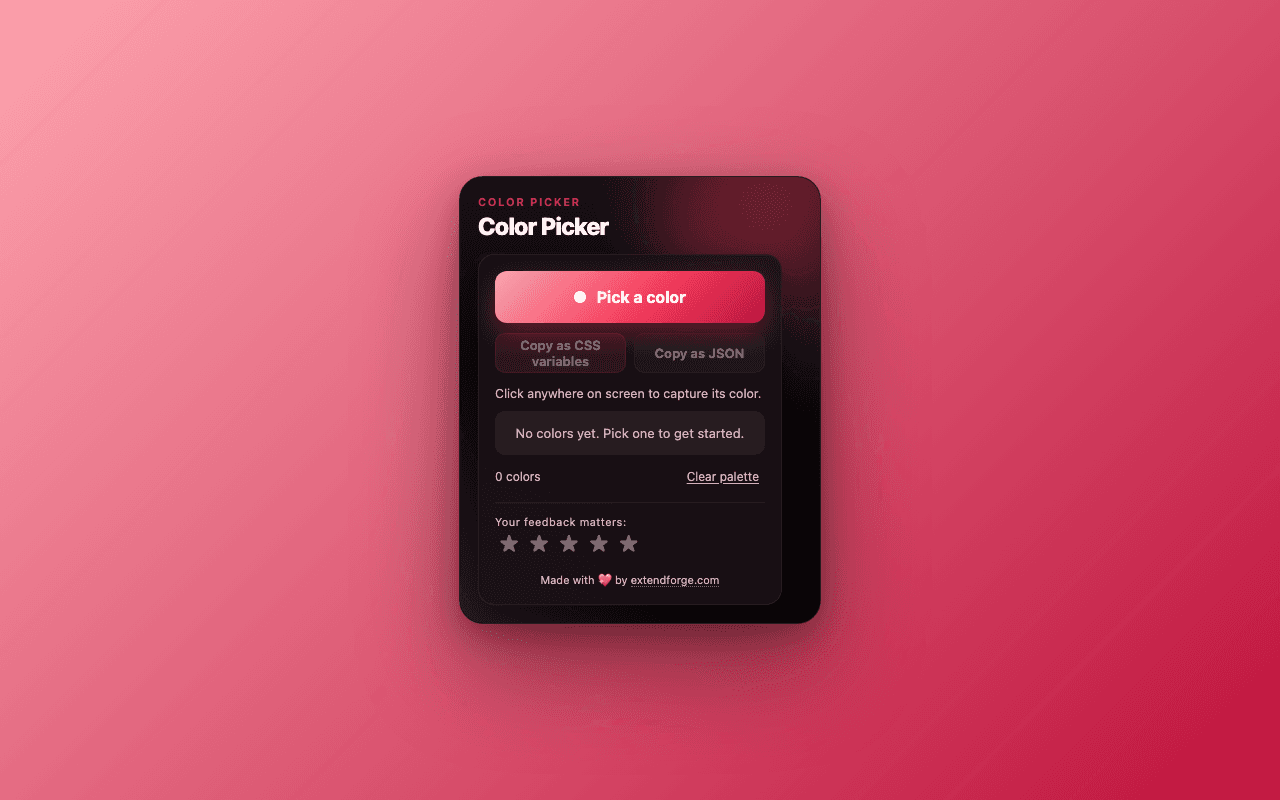
Pick any color on any page. Export the whole palette as CSS variables.
See It in Action
Just installed?
Pin Color Picker for one-click access
New extensions are hidden by default. Pin Color Picker to your toolbar so you can reach it without digging through menus.
 Color Picker
- 1Click the extensions(puzzle piece) icon in your browser's toolbar.
- 2Find Color Picker in the dropdown and click the pin icon next to it.
- 3Done. The Color Picker icon now lives in your toolbar — one click away.
Have more questions? See the FAQ.
What Color Picker Does
Built with precision to solve real problems without adding complexity.
Native Browser Eyedropper
Uses the built-in EyeDropper API. Works on any page, even localhost and dev servers that break older pickers.
Local Palette of 50
Picks stack at the top of the palette. Most recent first. Click any swatch to copy its hex.
Copy as CSS Variables
One click. Outputs a clean :root block with numbered color variables. Paste straight into your stylesheet.
Copy as JSON
One click. Outputs a flat token map for design systems or scripts.
No Accounts, No Cloud
Everything stays in chrome.storage.local. Zero network calls.
Reversible Removal
A small remove icon on each swatch deletes it. No confirmation wall.
Perfect For
Color Picker is designed for anyone who wants a better browsing experience. Here are just a few ways people use it.
Pull brand colors from a competitor's site into your stylesheet
Sample colors from a Figma export, then paste as CSS variables
Build a dark-mode palette by picking from a reference page
Extract a quick color theme from a screenshot in a new tab
How It Works
Install the Extension
Add Color Picker to your browser from the Chrome Web Store, Firefox Add-ons, Microsoft Edge Add-ons, or Safari Extensions Gallery. The installation takes seconds and requires no technical knowledge.
Configure Your Settings
Click the extension icon in your browser toolbar to access the settings. Adjust the options to match your preferences. Most users find the defaults work perfectly.
Enjoy the Benefits
That is it. The extension runs quietly in the background, doing exactly what you installed it for. No complicated workflows, no learning curve.
Frequently Asked Questions
Common questions about Color Picker. Have a question that is not answered here? Contact us and we will help.
Extension Size
~28 KB
Lightweight and fast. No bloat, no unnecessary files.
Permissions
activeTabstorageMinimal permissions required for functionality. No broad host access.
Works With Your Browser
Color Picker is built using the WebExtensions API, which means it works seamlessly across all major browsers. Use it on Chrome at work, Firefox at home, or Safari on your Mac. The experience is identical.
You Might Also Like
Explore related extensions that complement Color Picker.


Try Color Picker
Free, no sign-up. Install in one click on your browser of choice.